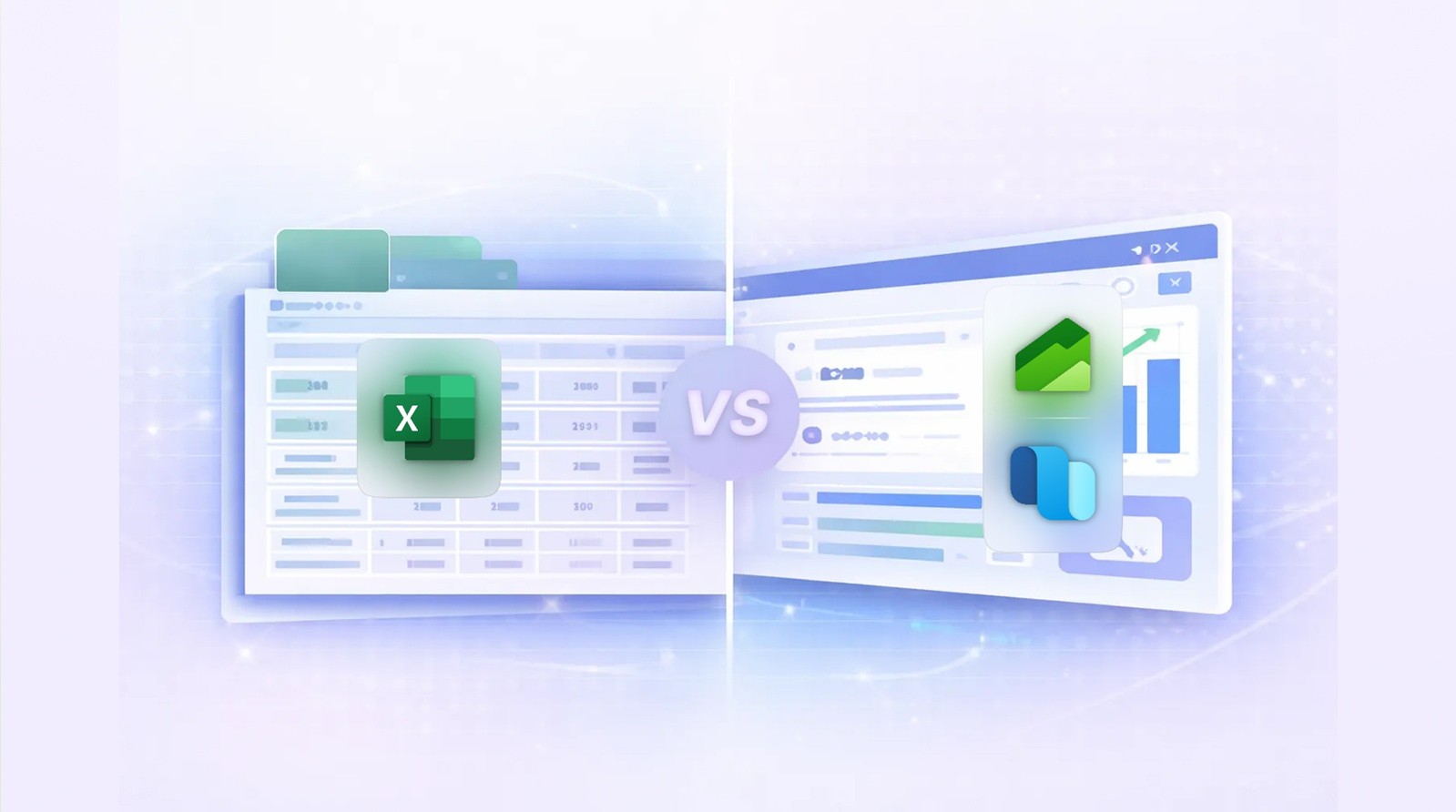
Business Performance Analytics vs. Traditional Reporting in D365 FSCM
Modern organizations need fast, reliable insights — but most still rely on slow, siloed reporting methods.
Business Performance Analytics (BPA) in Dynamics 365 FSCM changes that by delivering real-time,
self-service analytics built directly on top of operational data.
Here’s how it stacks up against traditional reporting.
1. Data Freshness
| Traditional Reporting |
Business Performance Analytics (BPA) |
| Often delayed due to batch jobs, exports, or data warehouse refresh cycles. |
Near real-time insights using in-memory semantic models. |
| Users rely on IT to update or fix reports. |
Business users get instant, always-current data. |
2. Speed & Performance
| Traditional Reporting |
BPA |
| Heavy queries slow down the production database. |
Optimized analytical models deliver fast, interactive analysis. |
| Large datasets require custom cubes or external tools. |
Prebuilt models handle complex financial and supply chain data efficiently. |
3. Flexibility
| Traditional Reporting |
BPA |
| Changes require development, testing, and deployments. |
No-code, configuration-driven analytics. |
| Limited ability for users to explore data beyond predefined reports. |
Self-service slicing, filtering, and drill-downs. |
4. Integration with Power BI
| Traditional Reporting |
BPA |
| Requires custom data modeling and ETL pipelines. |
Comes with ready-to-use semantic models optimized for Power BI. |
| High dependency on technical teams. |
Business teams can build dashboards independently. |
5. Upgrade & Maintenance
| Traditional Reporting |
BPA |
| Custom reports break during upgrades. |
BPA is Microsoft-maintained and upgrade-safe. |
| High long-term maintenance cost. |
Lower cost, fewer customizations, faster adoption. |
Traditional reporting tells you what happened — slowly.
BPA tells you what’s happening right now — instantly.
If your organization wants faster decisions, cleaner insights, and fewer custom reports,
BPA is the modern analytics layer built for Dynamics 365 FSCM.
8. FAQ
-
What is Electronic Reporting (ER) in D365?
Electronic Reporting is a no-code framework in Dynamics 365 Finance & Operations that lets users design,
modify, and manage business documents, regulatory reports, and data exports without development.
-
What types of outputs can ER generate?
ER supports Excel, Word, XML, JSON, CSV/TXT, and PDF (via Office templates), making it suitable for both
human-readable documents and system-to-system integrations.
-
Do I need developers to modify ER reports?
No. ER is designed for functional consultants and power users. Most changes — layouts, fields, and formats —
can be done without X++ code.
-
What is RCS and why is it important?
Regulatory Configuration Service (RCS) is a cloud workspace where you design, test, and manage ER configurations.
It also provides access to Microsoft’s global repository of regulatory formats.
-
Can ER handle country-specific compliance reports?
Yes. Microsoft delivers hundreds of prebuilt configurations (for example, SAF-T, Intrastat, and audit files)
that can be extended to meet local requirements.
-
How does ER connect to D365 data?
ER uses a layered structure:
- Data Model (business abstraction)
- Model Mapping (links to D365 tables/entities)
- Format (output structure)
- Format Mapping (binds model to format)
This separation makes ER reusable and maintainable.
-
Can ER be used for integrations?
Yes. ER can generate JSON or XML payloads, making it ideal for lightweight integrations without custom code.
-
Can ER import data into D365?
Yes. ER supports inbound transformations such as bank statements
(CAMT.053, MT940, BAI2) and other structured files.
-
How are ER configurations deployed across environments?
ER supports versioning and export/import of configurations.
RCS can also publish configurations directly into D365 environments.
-
What are the best practices for using ER?
- Extend Microsoft’s base configurations
- Keep templates clean and modular
- Use data models for reusability
- Manage versions carefully
- Use RCS for lifecycle control
Conclusion
Electronic Reporting (ER) has become one of the most strategic capabilities in Dynamics 365 Finance & Operations.
By empowering business and functional teams to design and maintain documents, regulatory reports,
and data exports without code, ER significantly reduces customizations, accelerates compliance,
and improves organizational agility.
Its modular architecture, strong versioning, and seamless integration with Regulatory Configuration Service (RCS)
provide a future-proof approach to managing reporting in an ever-evolving regulatory landscape.
For organizations looking to modernize their reporting strategy,
ER is not just a feature — it is a true competitive advantage.
Author Bio
Murali Dorai
D365 solution architect having more than 20 years implementing Dynamics 365.