Introduction: A Common Challenge for D365 Users
If you work with Microsoft Dynamics 365, you already know how dynamic your daily tasks can be. Whether you are part of a finance team in India, a supply chain professional, or a Dynamics 365 functional consultant, your work rarely stays on a single screen. You move between dashboards, transaction forms, reports, and reference data constantly.
Now, think about how often you switch browser tabs in a single hour. Too often, right? This constant tab switching not only slows you down but also breaks your concentration. This is where Google Chrome Split View becomes a simple yet powerful productivity enhancer for Dynamics 365 users.
In this blog, we explore how Chrome Split View helps D365 users in enterprise environments, especially in India and global delivery teams, work smarter, faster, and with greater accuracy.
What Is Google Chrome Split View?
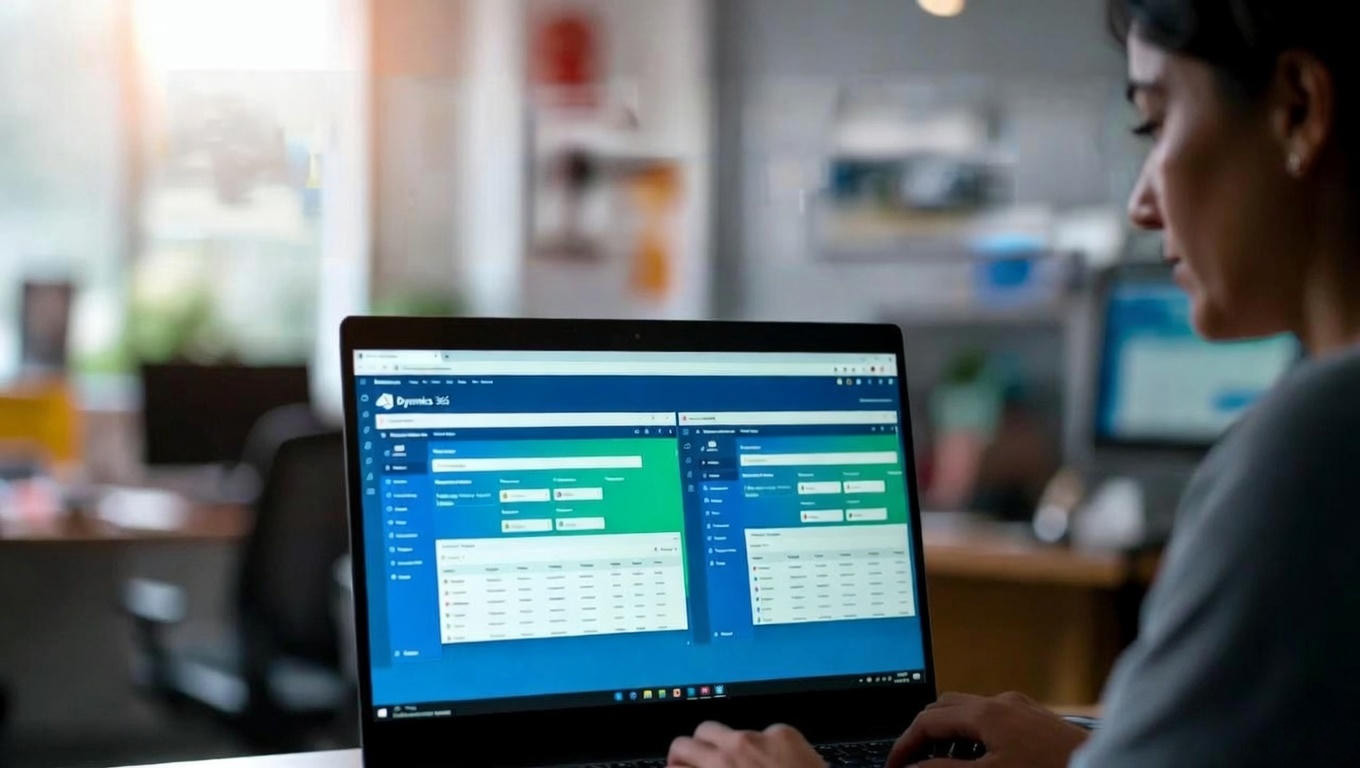
Google Chrome Split View allows you to view two browser tabs side by side within the same window. Instead of juggling multiple windows or relying on dual monitors, you can keep related information visible at the same time.
For professionals working on Dynamics 365 Finance, Supply Chain Management, Sales, or Customer Service, this feature fits naturally into everyday workflows.
Key highlights of Chrome Split View:
- View two active Chrome tabs simultaneously
- Compare data without switching screens
- Improve focus and reduce visual clutter
- Ideal for enterprise SaaS tools like Microsoft Dynamics 365
Why Split View Matters for Dynamics 365 Users
Dynamics 365 is designed for complex business processes. Users often need to cross-check information between modules, legal entities, or reports.
For example:
- Reviewing vendor details while creating a purchase order
- Checking GL balances while validating posted vouchers
- Comparing inventory levels while planning replenishment
With Chrome Split View, all this becomes smoother and more efficient.
Benefits for D365 users in India and global teams:
- Faster task execution
- Reduced manual errors
- Better data validation
- Improved user experience
Real-Life Use Cases in Enterprise D365 Environments
1. Finance Teams
Finance professionals can keep General Ledger entries open on one side while validating invoices or vouchers on the other. This is especially helpful during month-end closing and audits.
2. Supply Chain & Operations
Inventory planners can monitor stock levels while creating purchase requisitions or transfer orders, improving accuracy and decision-making.
3. Functional Consultants & Implementers
Consultants working on D365 implementations in India often validate configurations while referencing documentation or testing scenarios side by side.
4. Support & Managed Services Teams
Support teams can troubleshoot issues by keeping D365 screens and knowledge base articles open simultaneously, reducing resolution time.
Productivity Gains That Actually Matter
Let’s be honest—small improvements add up. Saving a few seconds on every task can translate into hours saved every week, especially for enterprise users.
Chrome Split View:
- Minimizes context switching
- Keeps critical data visible
- Improves concentration during long working hours
For Dynamics 365 users working in offshore and onshore delivery models, this can significantly improve productivity and job satisfaction.
How to Use Chrome Split View Effectively
Getting started is simple:
- Open required Dynamics 365 pages in separate Chrome tabs
- Use Chrome’s window snapping or split-screen feature
- Resize panes based on task priority
- Work seamlessly across both views
No plugins. No additional tools. Just smarter browser usage.
Conclusion: A Small Change with Big Impact
Google Chrome Split View may seem like a small feature, but for Microsoft Dynamics 365 users, it delivers measurable productivity improvements. By enabling side-by-side access to critical information, it enhances efficiency, accuracy, and workflow continuity.



beta.geodatatek/
beta.geodatatek/blog/how-google-chrome-split-view-transforms-productivity-for-microsoft-dynamics-365-users#comment-40